Jumpserver Overview and Daily Usage Guide
🔐 What is Jumpserver?
Jumpserver is an open-source bastion host (jump host) solution designed to provide secure, centralized, and auditable access to servers, databases, and cloud resources.
Instead of allowing users to directly SSH or RDP into production systems, Jumpserver acts as a secure gateway, enforcing authentication, authorization, and session auditing.
🚀 Why Use Jumpserver?
Jumpserver solves common infrastructure security problems:
- ❌ No more shared SSH keys
- ❌ No direct access to production servers
- ❌ No blind operations without audit trails
✅ Benefits
- Centralized access control
- Fine-grained permission management
- Full session recording (video + commands)
- Web-based access without local SSH clients
- Compliance-friendly (ISO, SOC, internal audit)
👥 User & Role Management
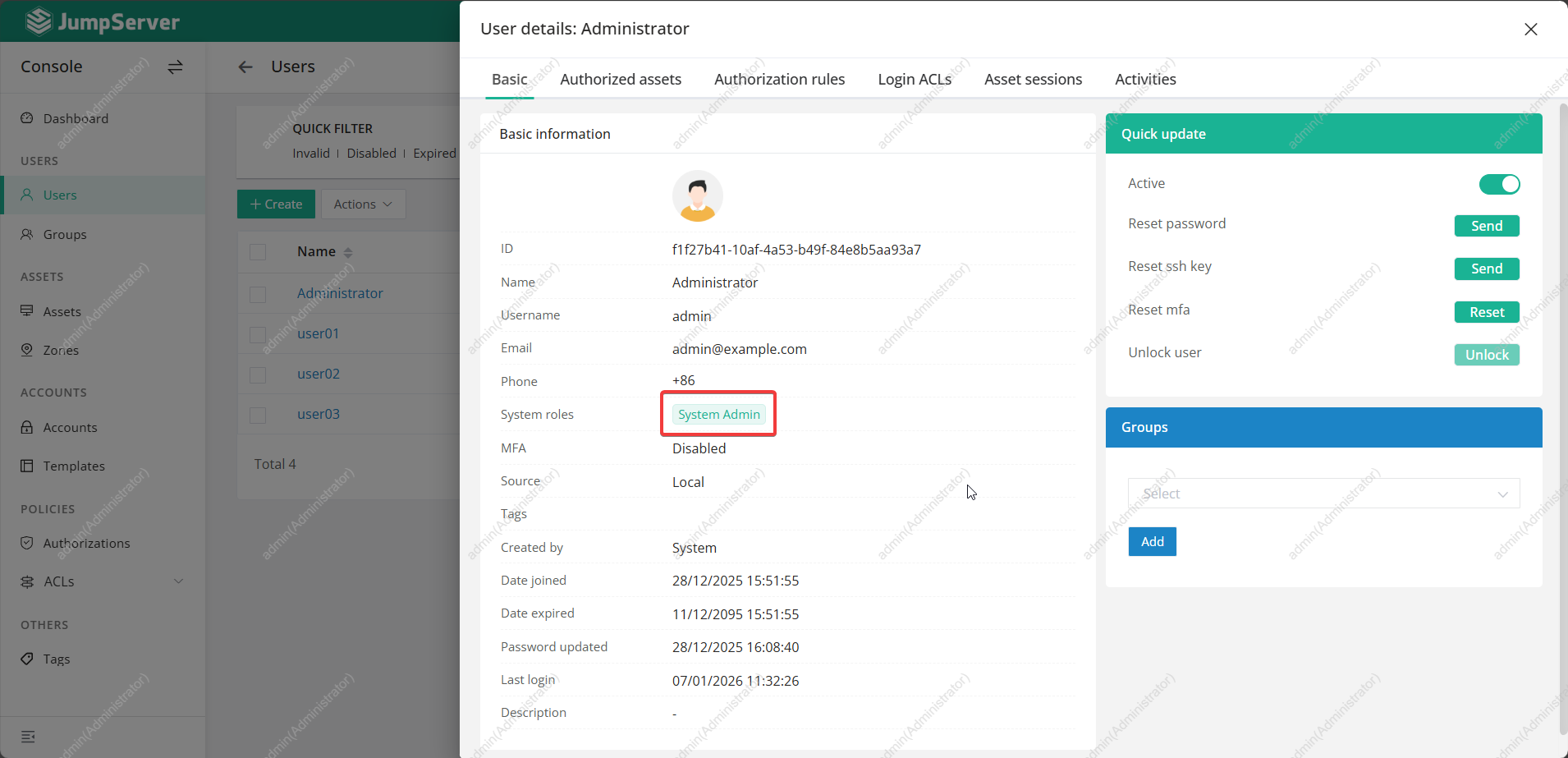
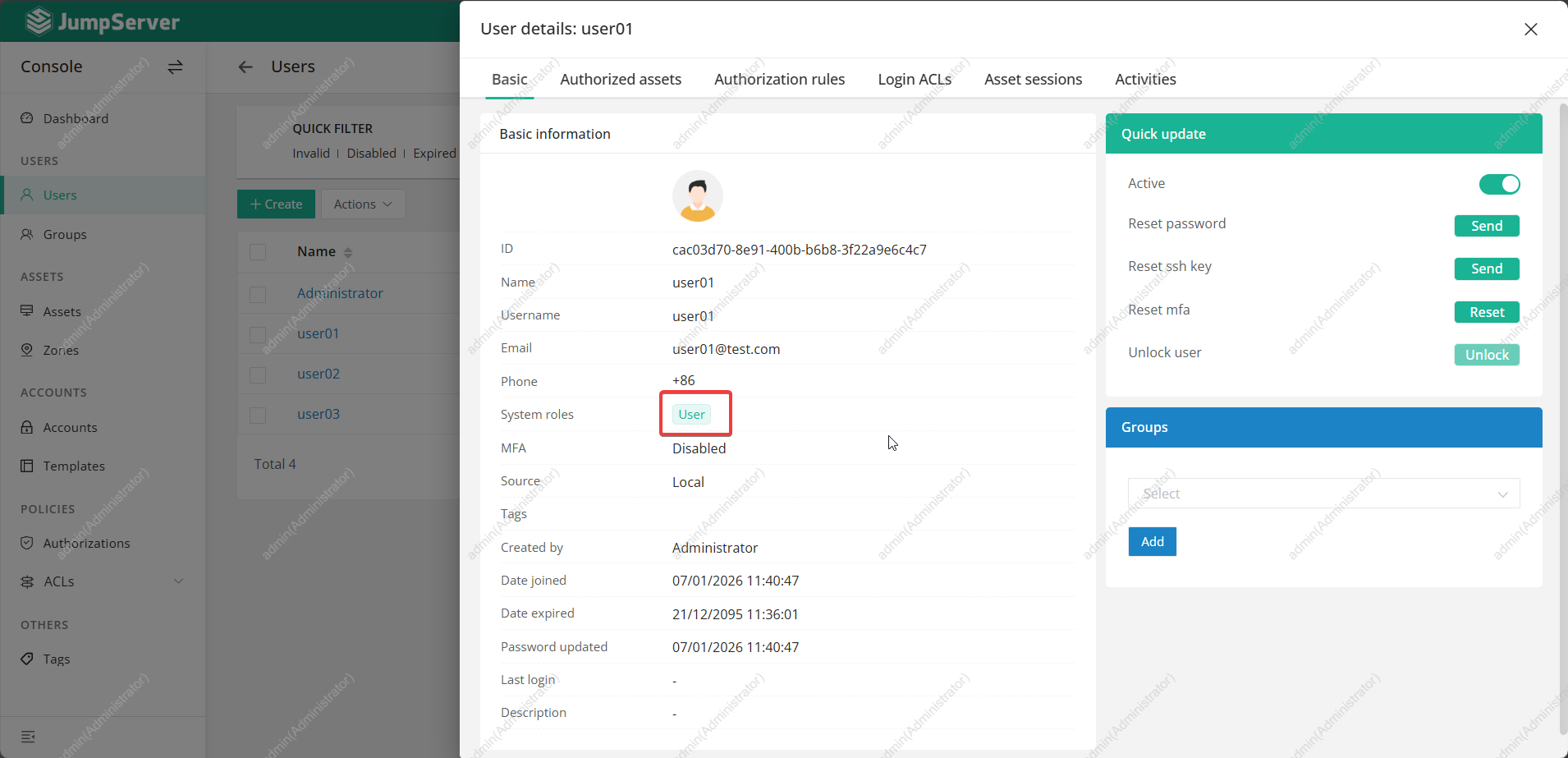
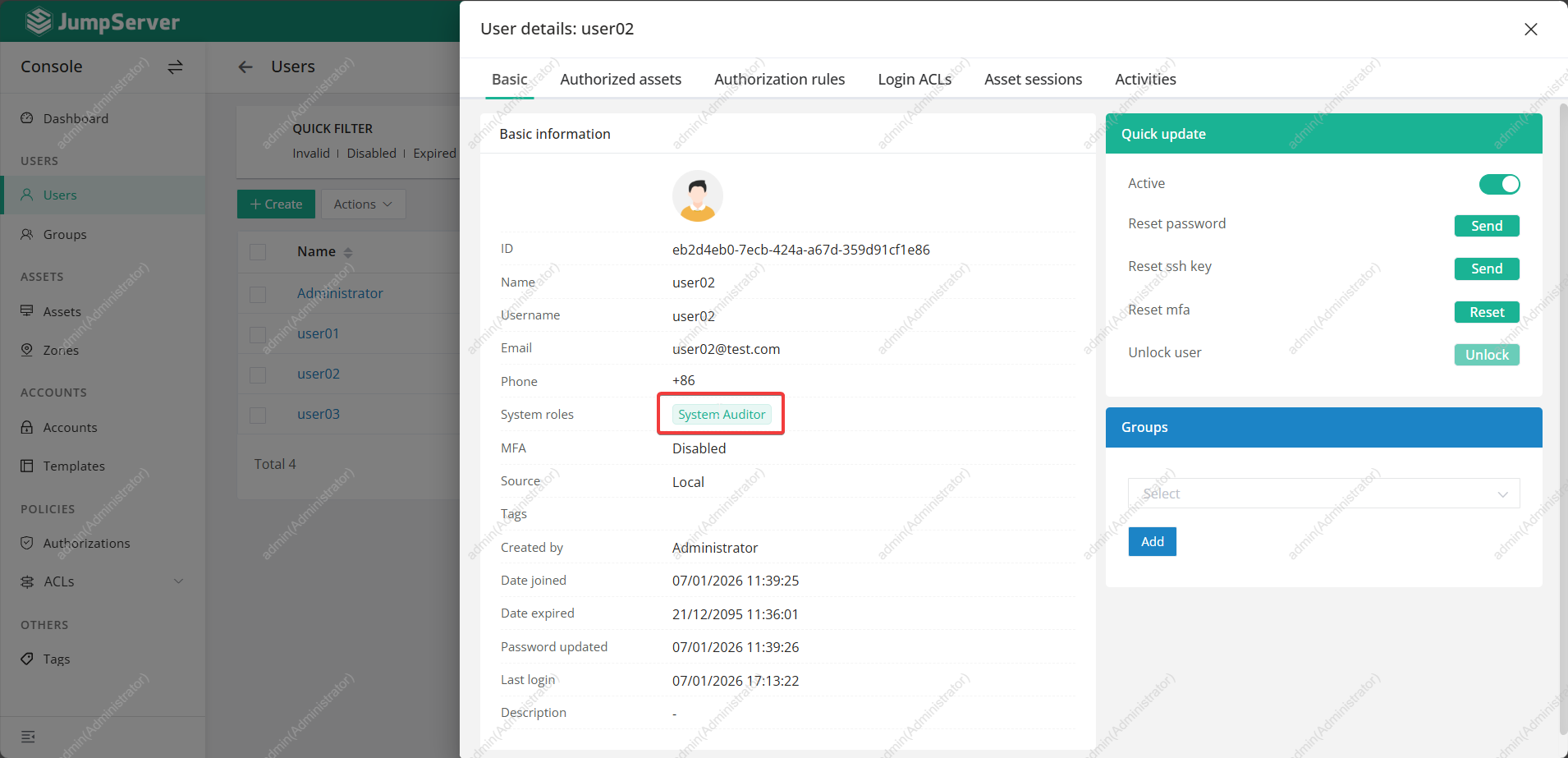
User Types
- Admin: Full control over the platform
- User: Access only assigned assets and accounts
- Auditor: Access for logs session and activity
Role-Based Access Control (RBAC)
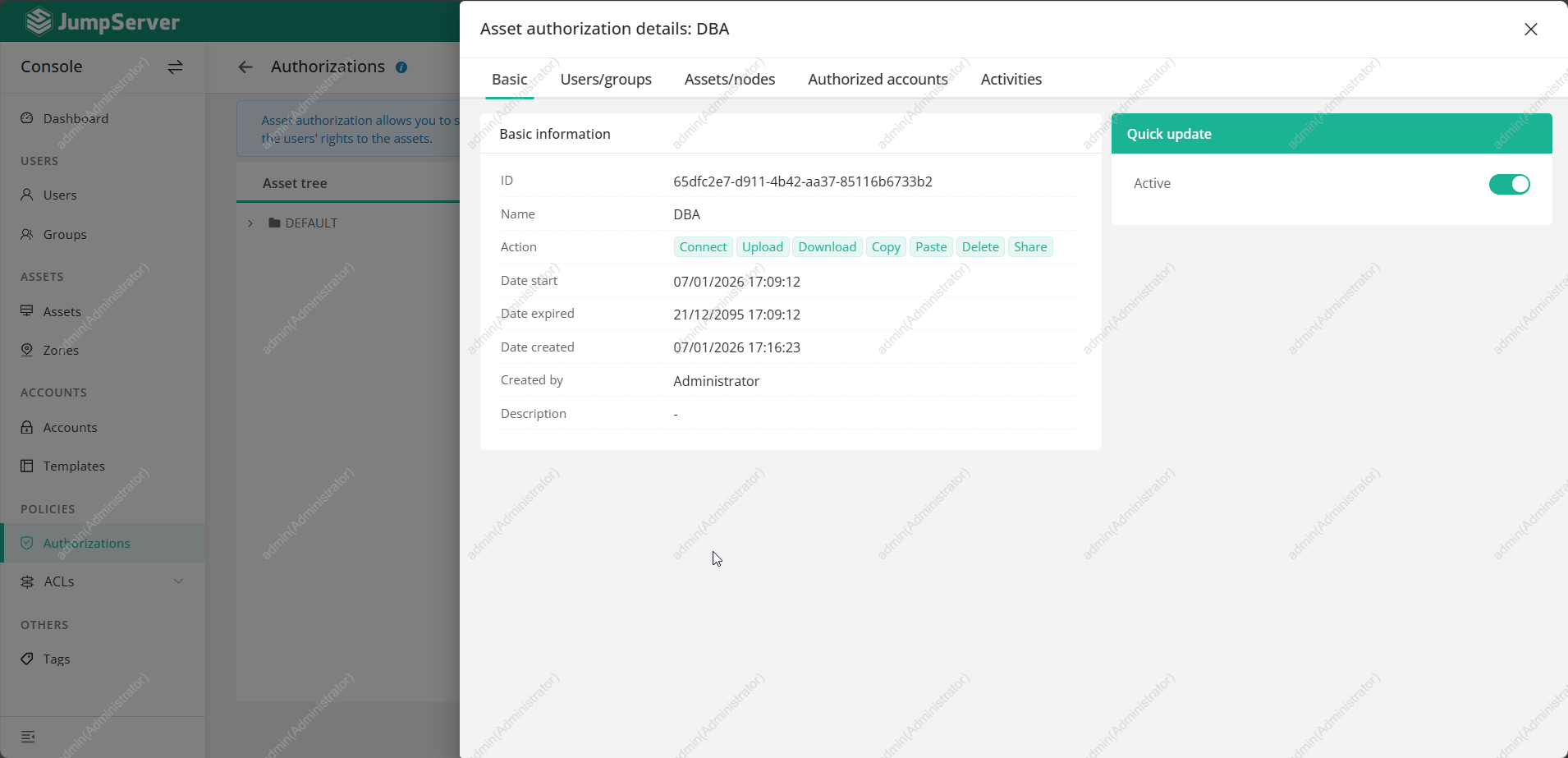
You can define:
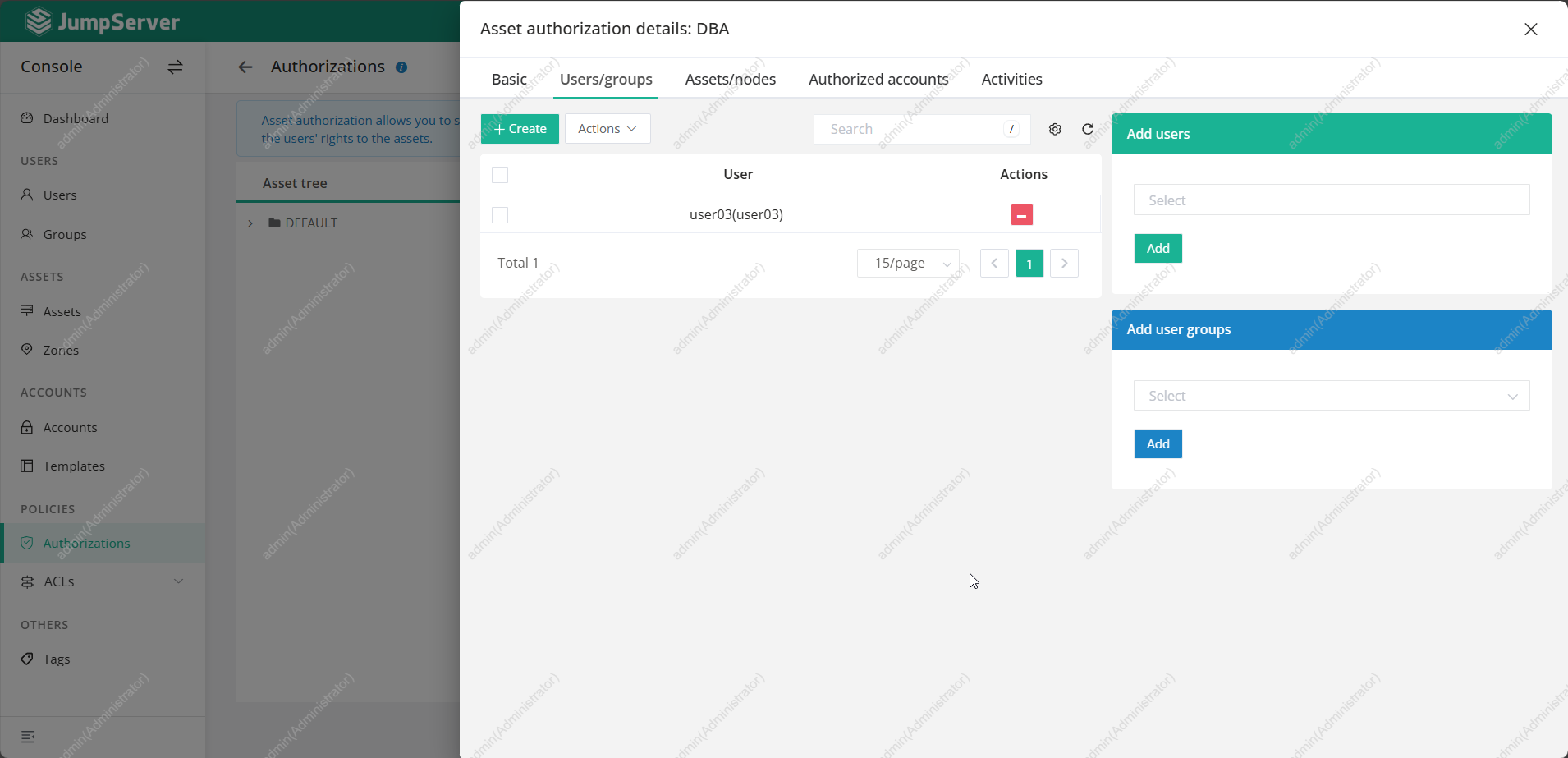
- Which users
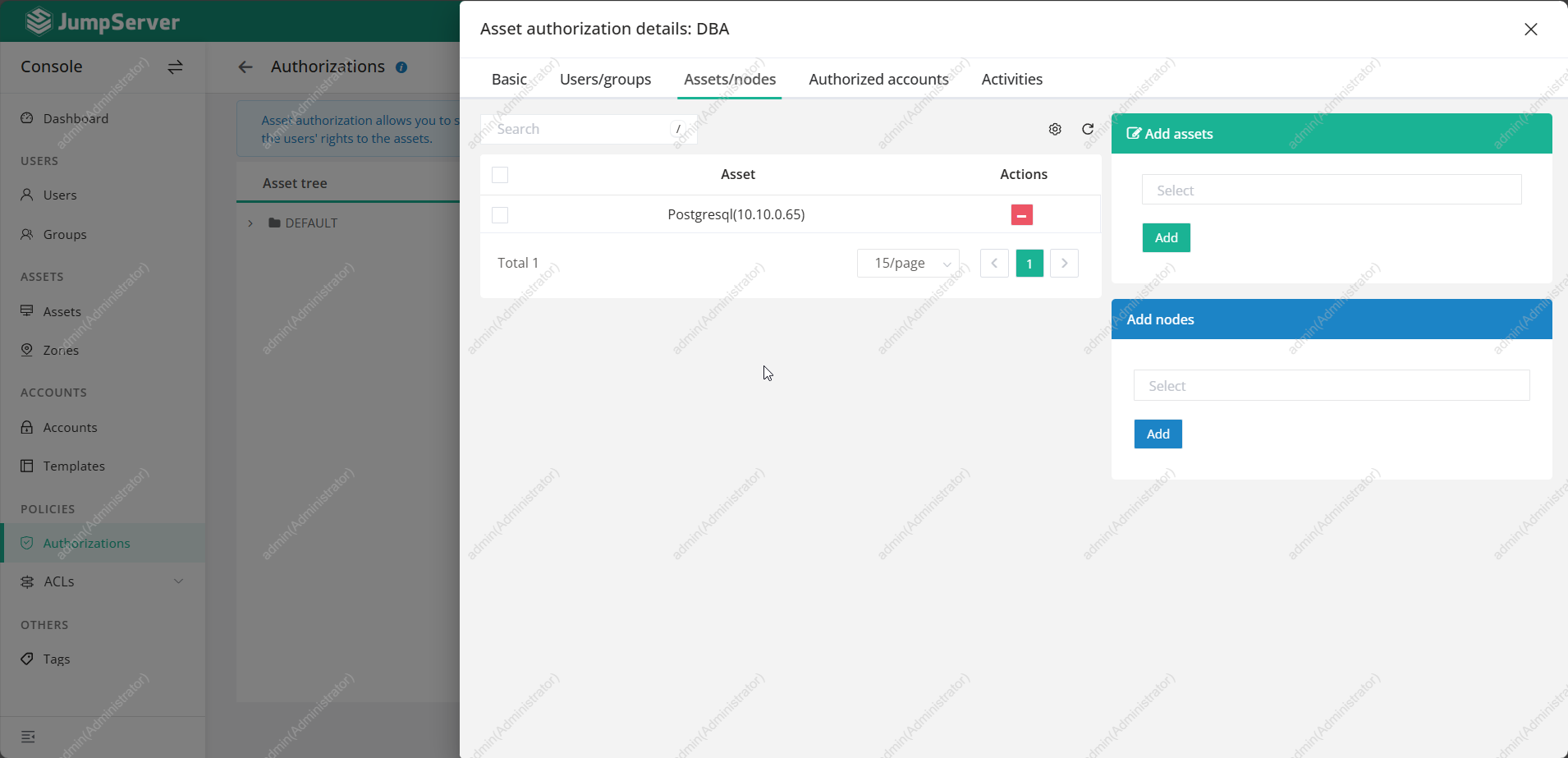
- Can access which assets
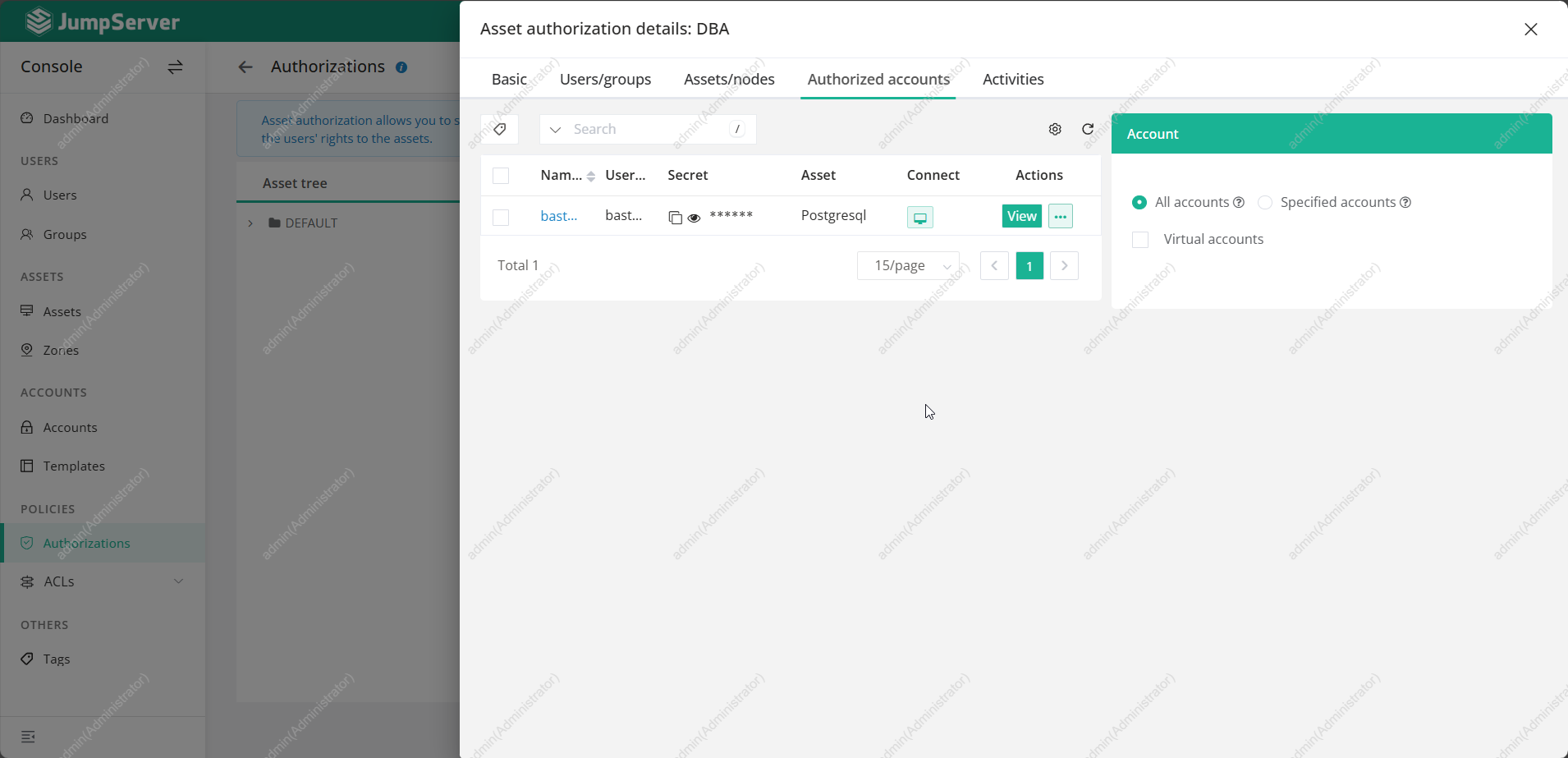
- Using which system accounts
- Via which protocols (SSH, RDP, DB)
This makes Jumpserver ideal for:
- Ops teams
- Developers
- Vendors
- Temporary access (outsourced staff)
🖥️ Asset Management
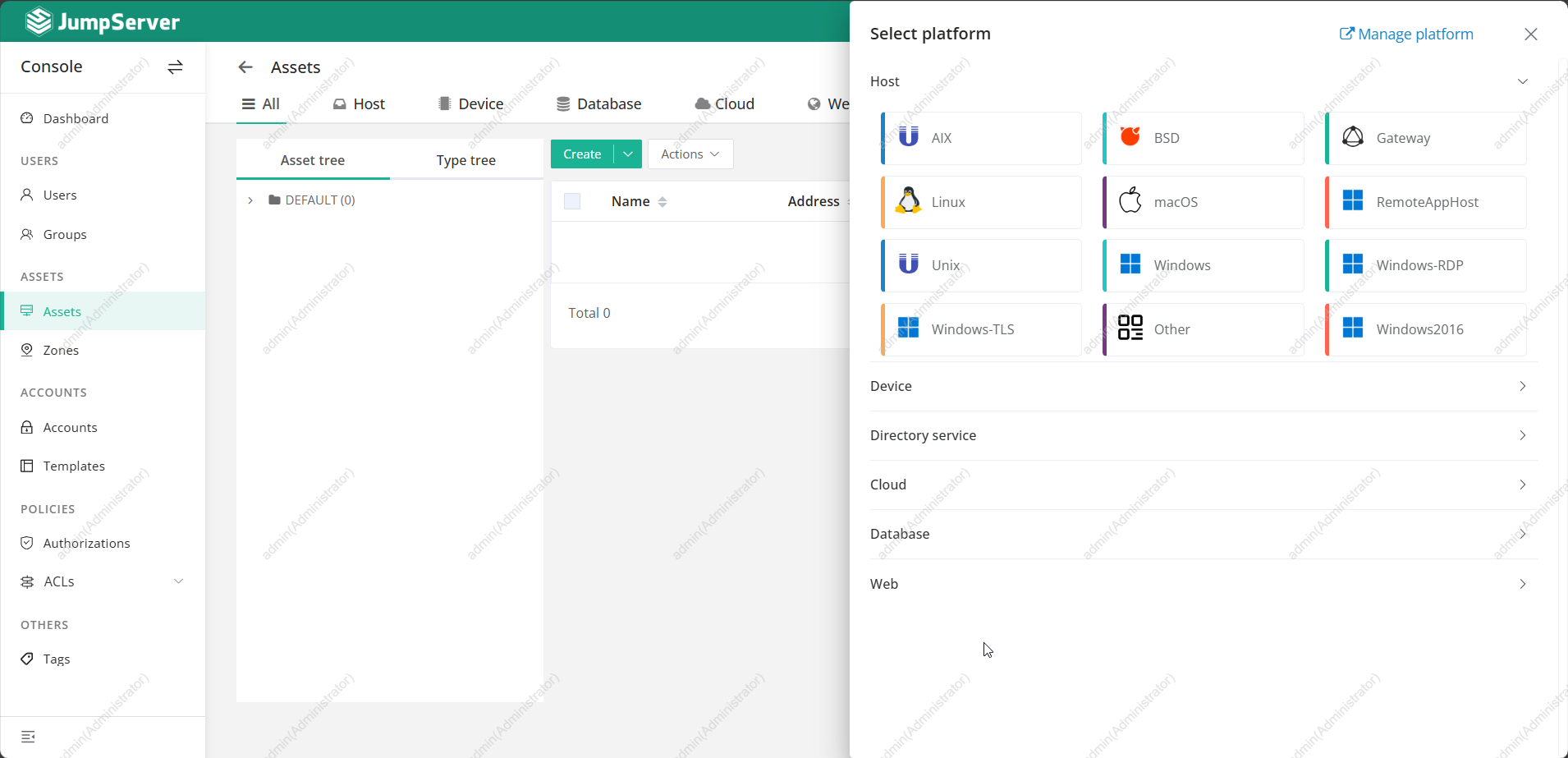
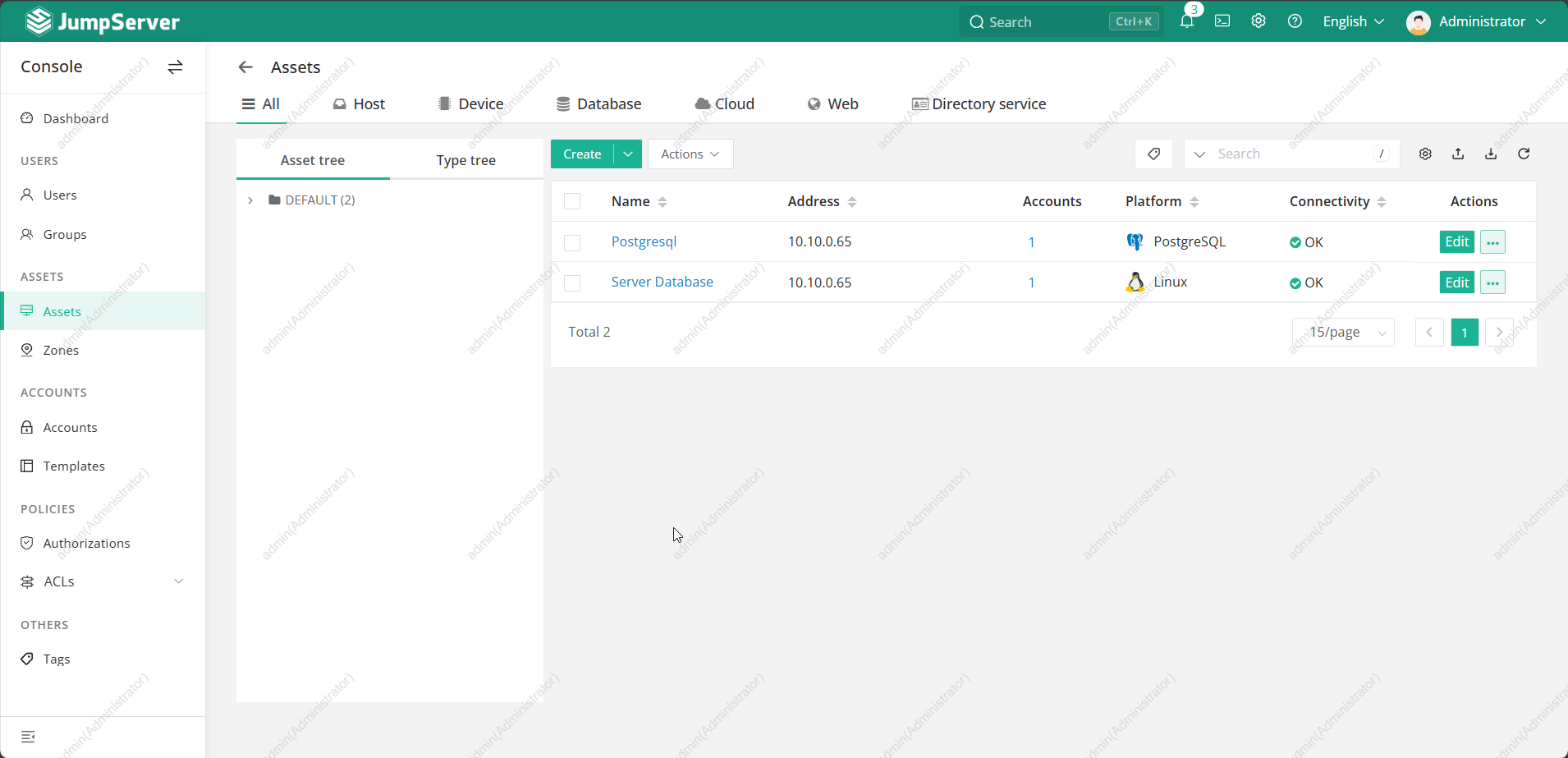
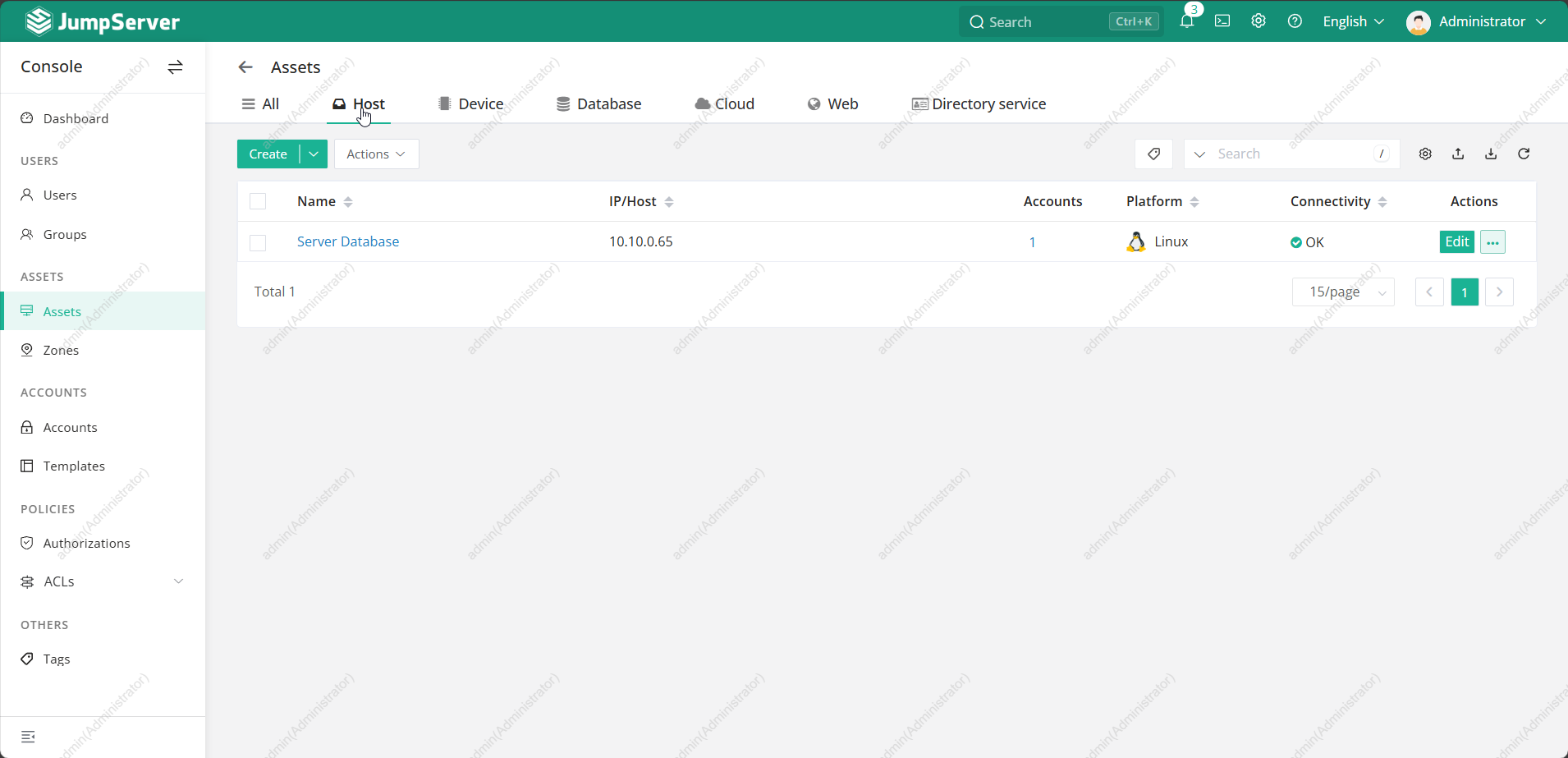
An asset is any managed resource:
- Linux / Windows servers
- Databases (MySQL, PostgreSQL, Redis)
- Network devices
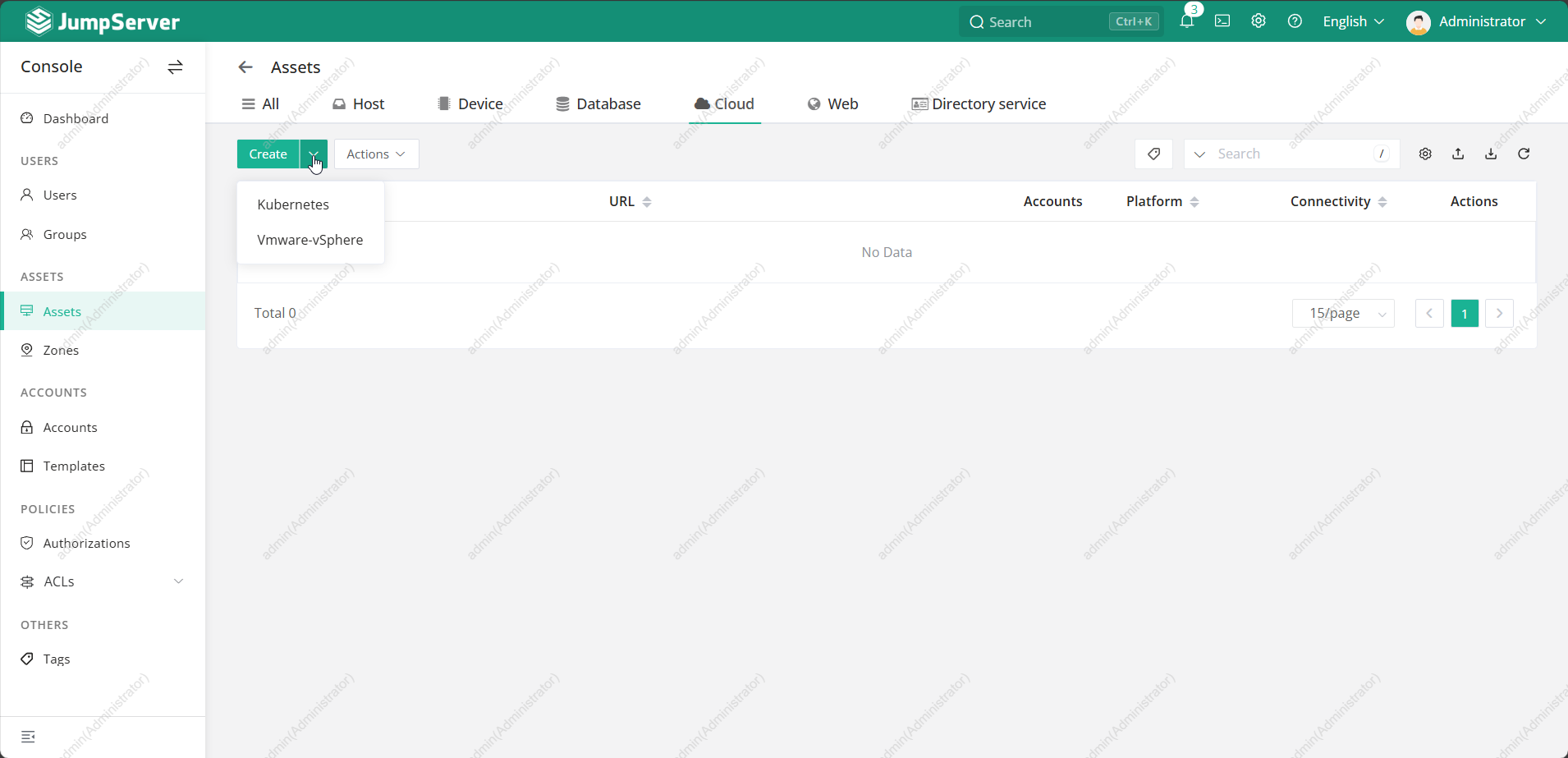
- Kubernetes clusters
Asset Organization
Assets can be grouped by:
- Environment (Prod, Staging, Dev)
- Project
- Department
- Region
🔑 Authentication Methods
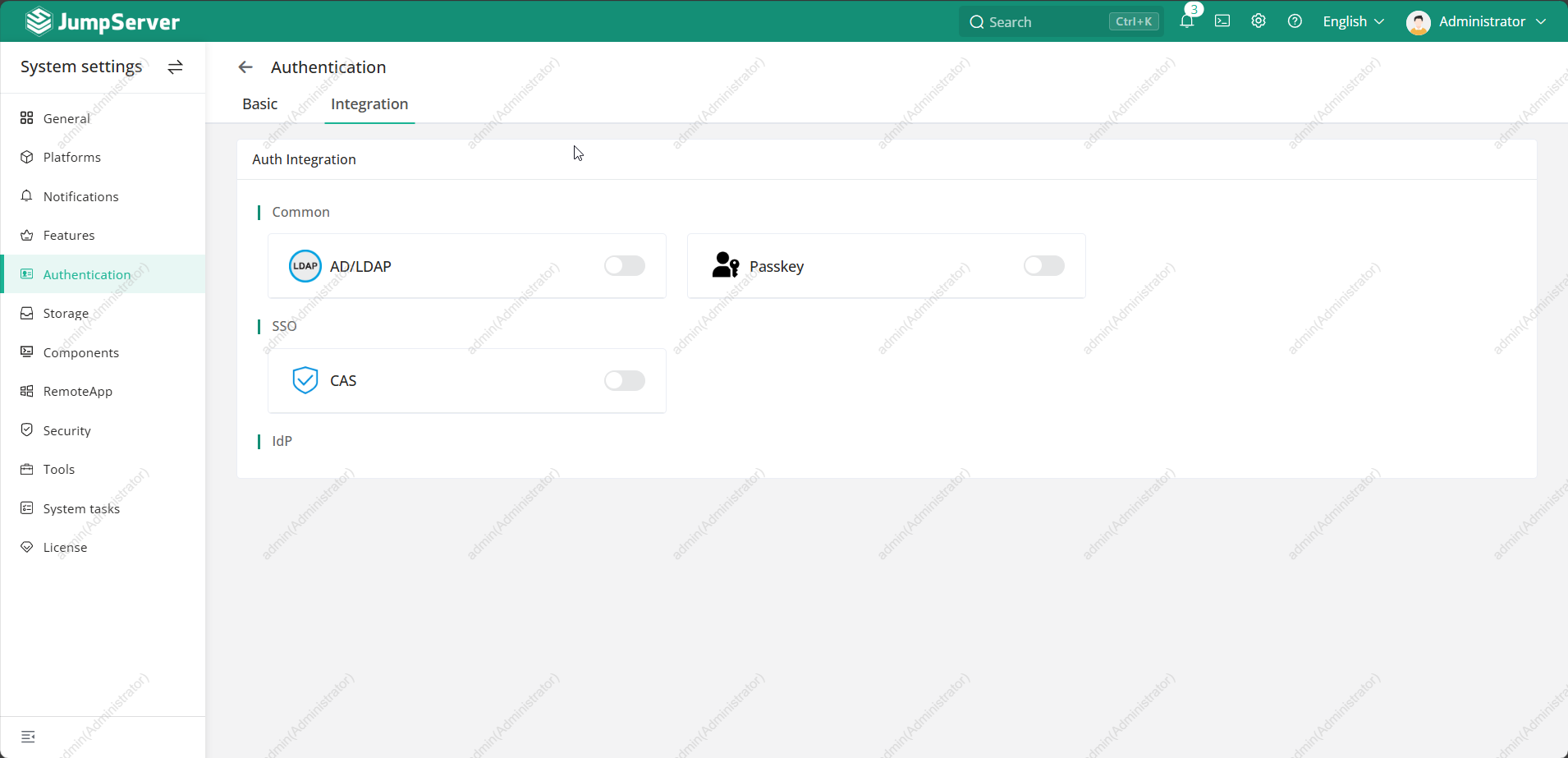
Jumpserver supports multiple authentication options:
- Username & password
- SSH key
- LDAP / Active Directory
- OAuth2
- MFA (Google Authenticator, TOTP)
This flexibility makes integration with enterprise IAM very easy.
🔍 Accessing Servers (Daily Usage)
🖥️ Web-Based Access
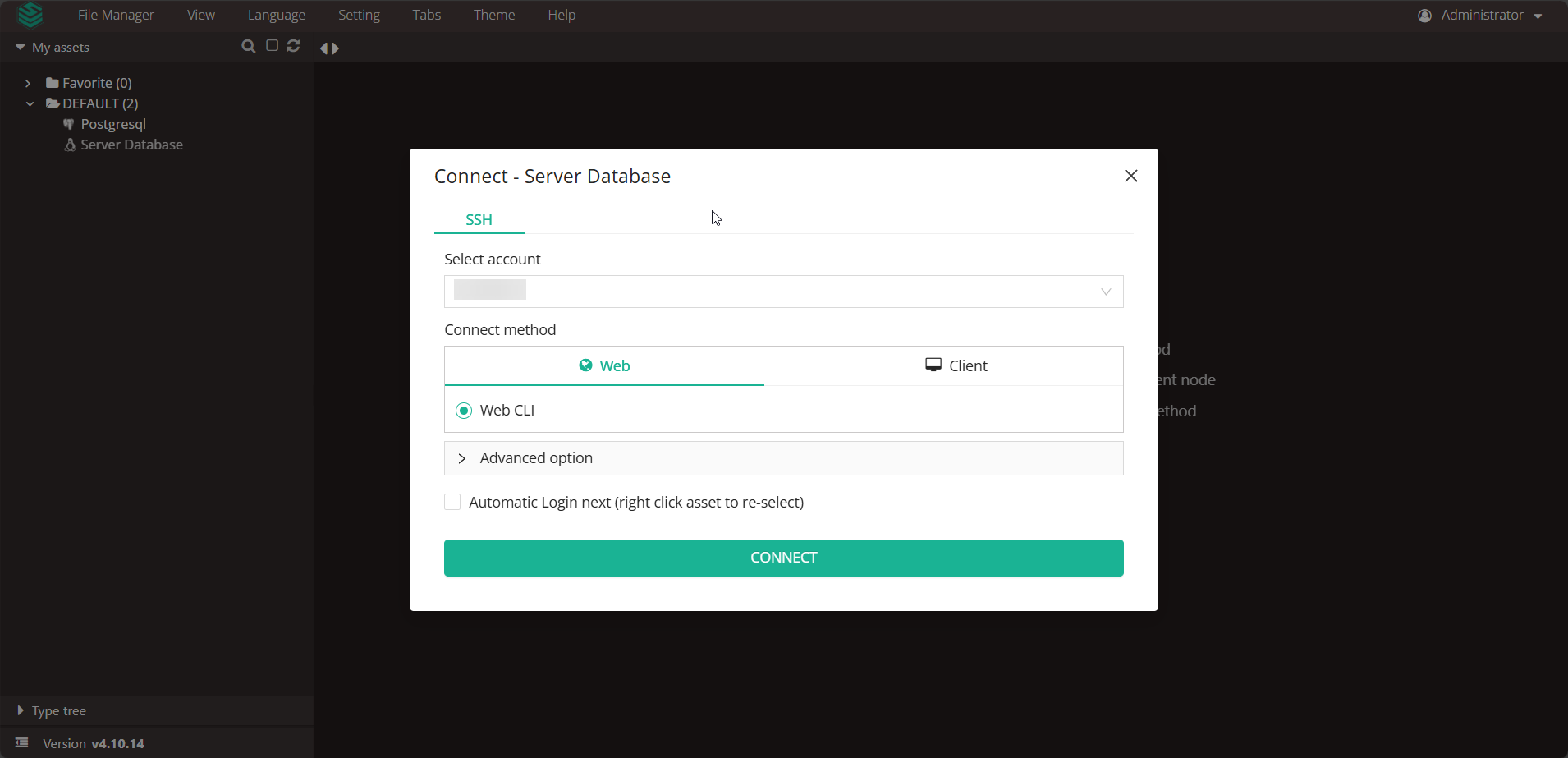
Users can:
- Login to Jumpserver web UI
- Select an asset
- Click Connect
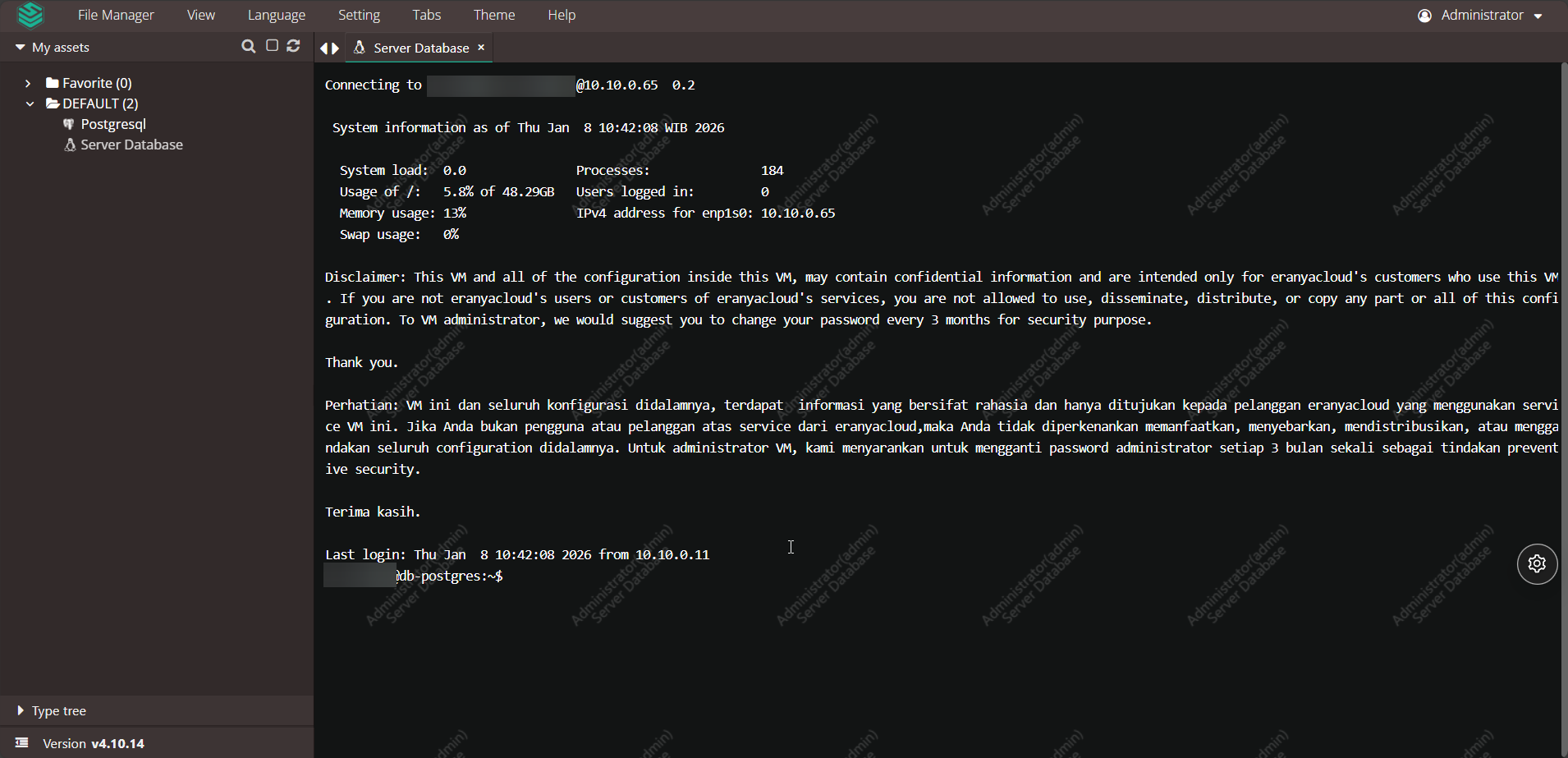
- Access the server directly from the browser
No SSH client required.
🎥 Session Recording & Auditing
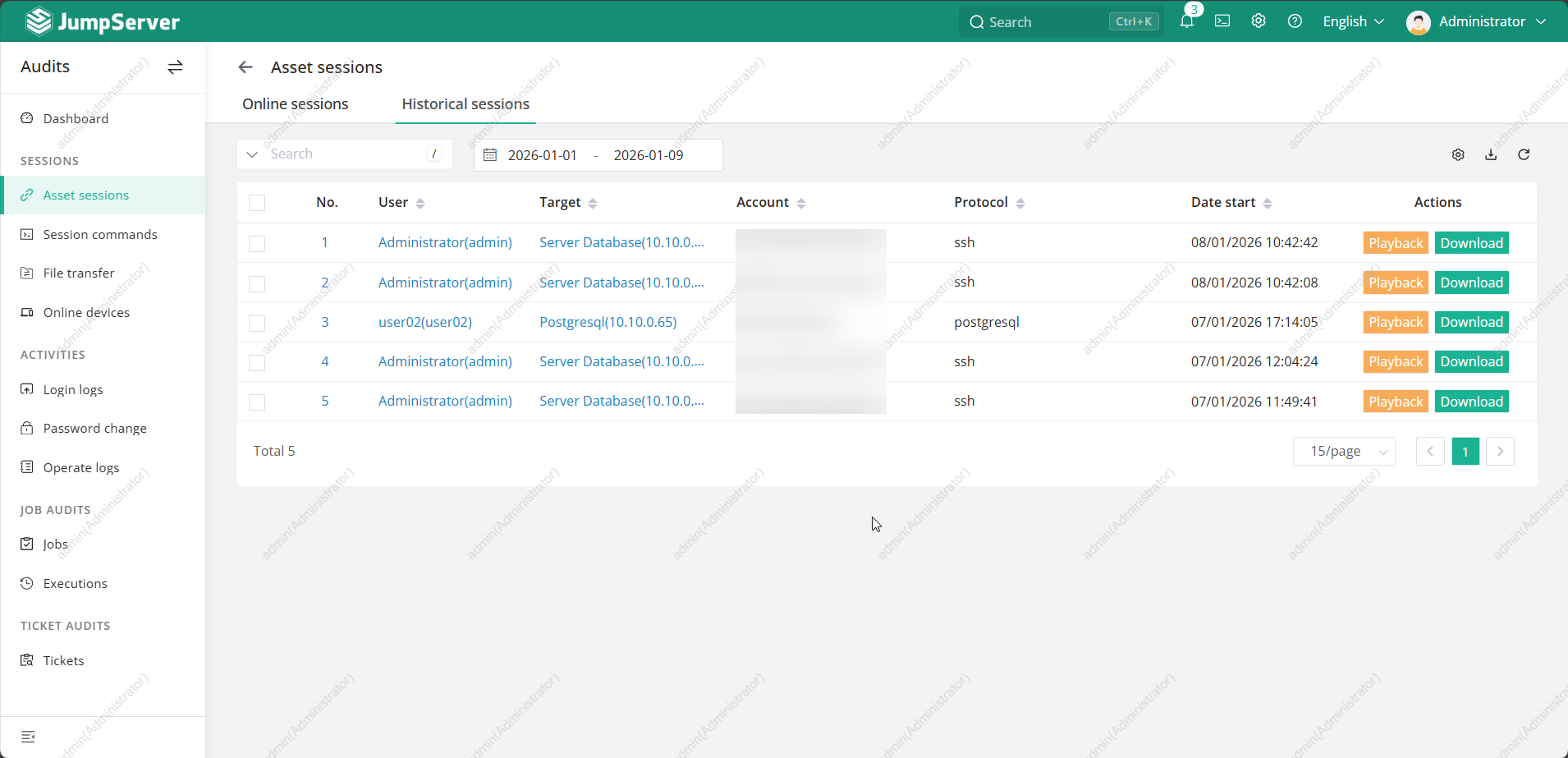
Every session is:
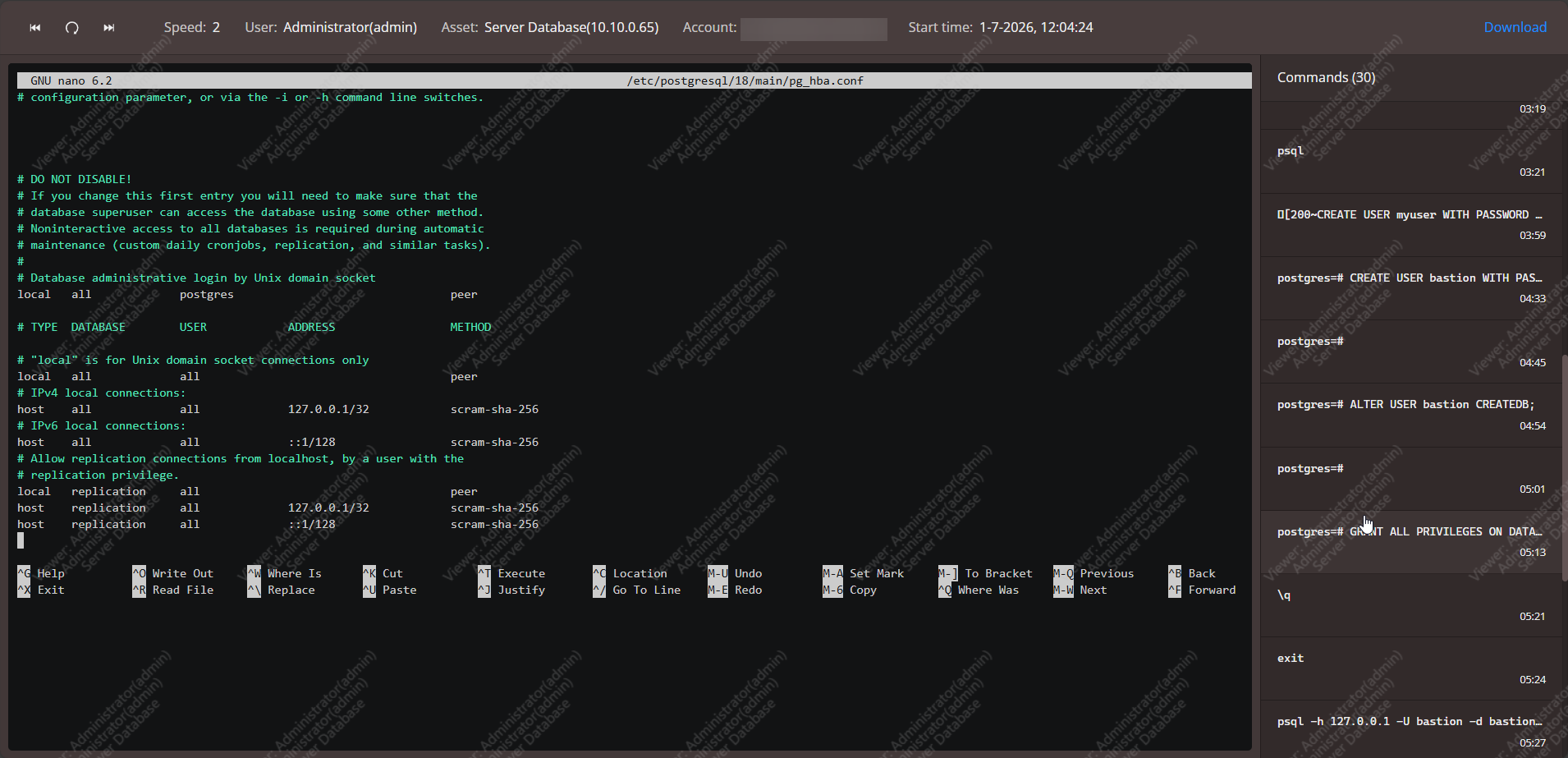
- 🎬 Recorded (video playback)
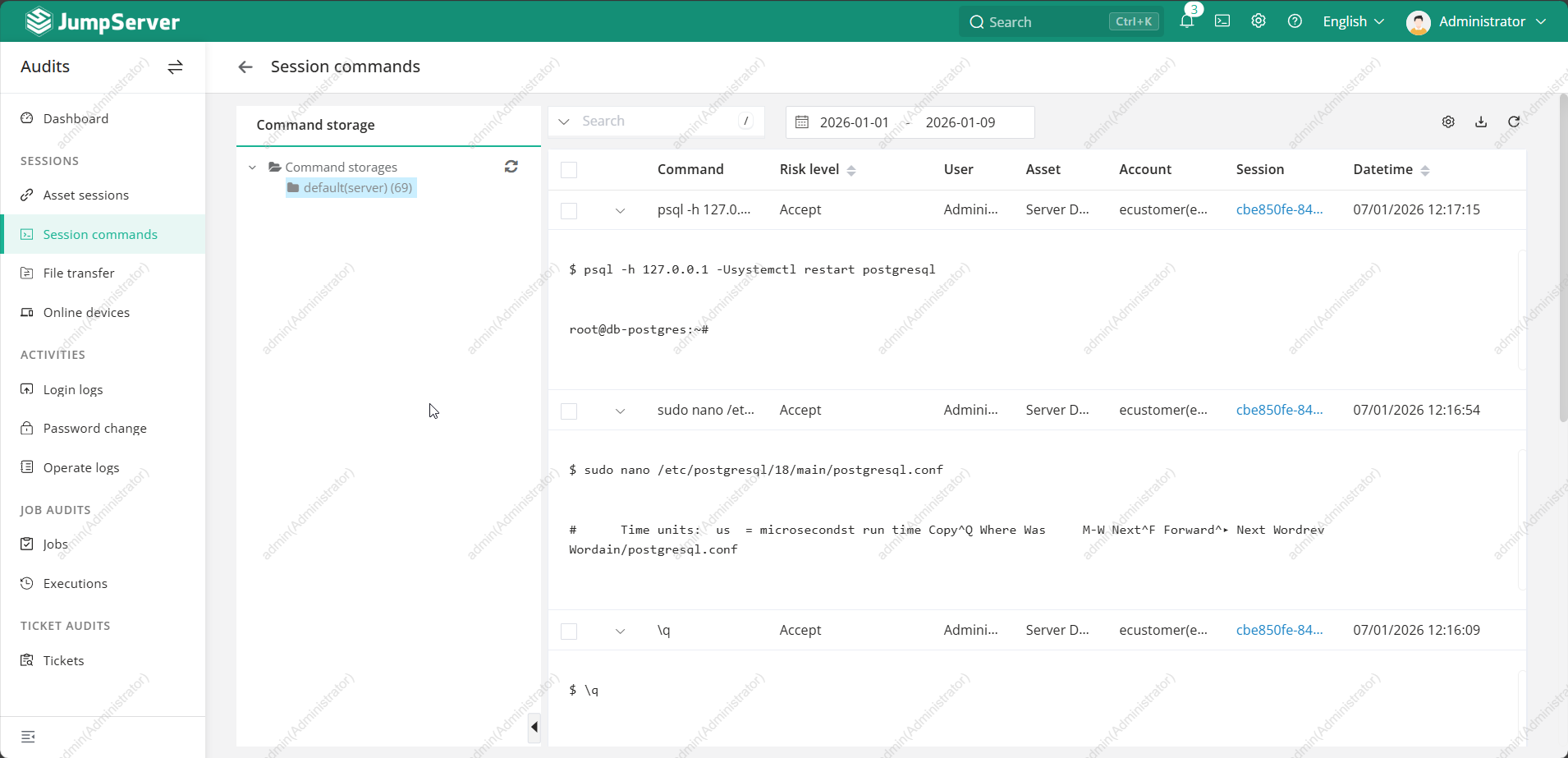
- ⌨️ Command-logged
- 🕒 Timestamped
- 👤 User-attributed
Admins can:
- Replay sessions
- Search commands
- Export audit logs
This is extremely useful for:
- Incident investigation
- Compliance audits
- Training & reviews
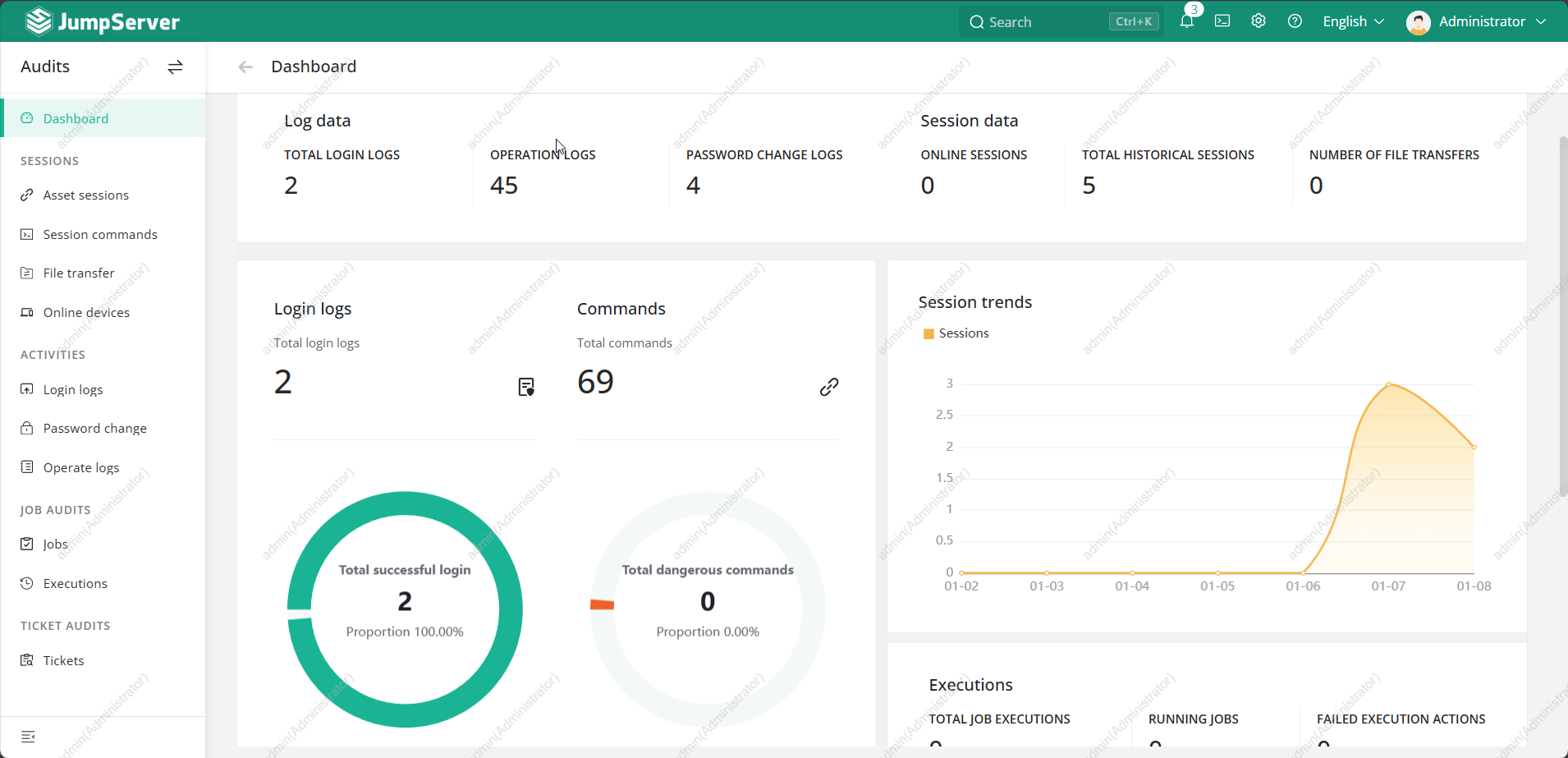
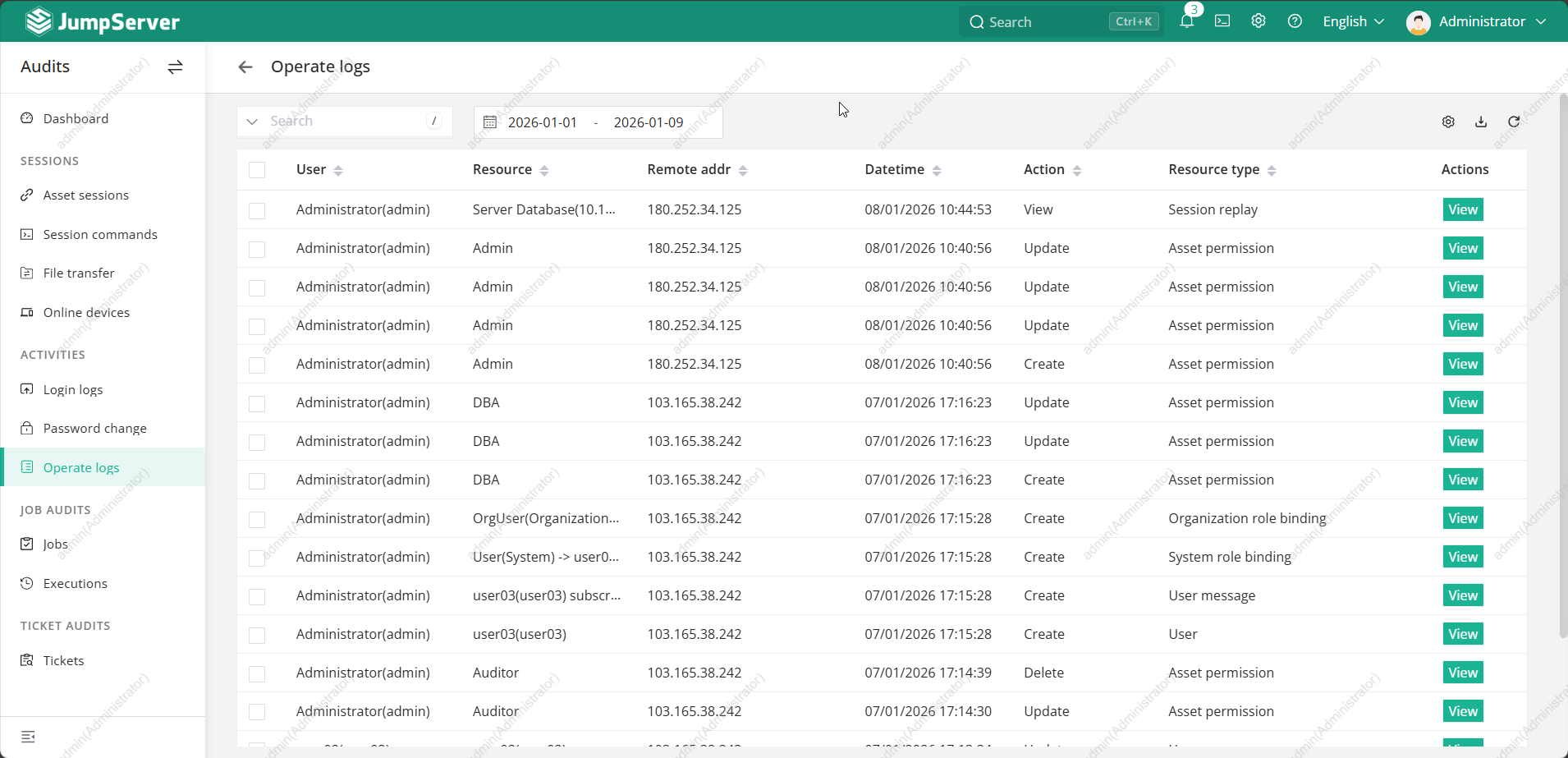
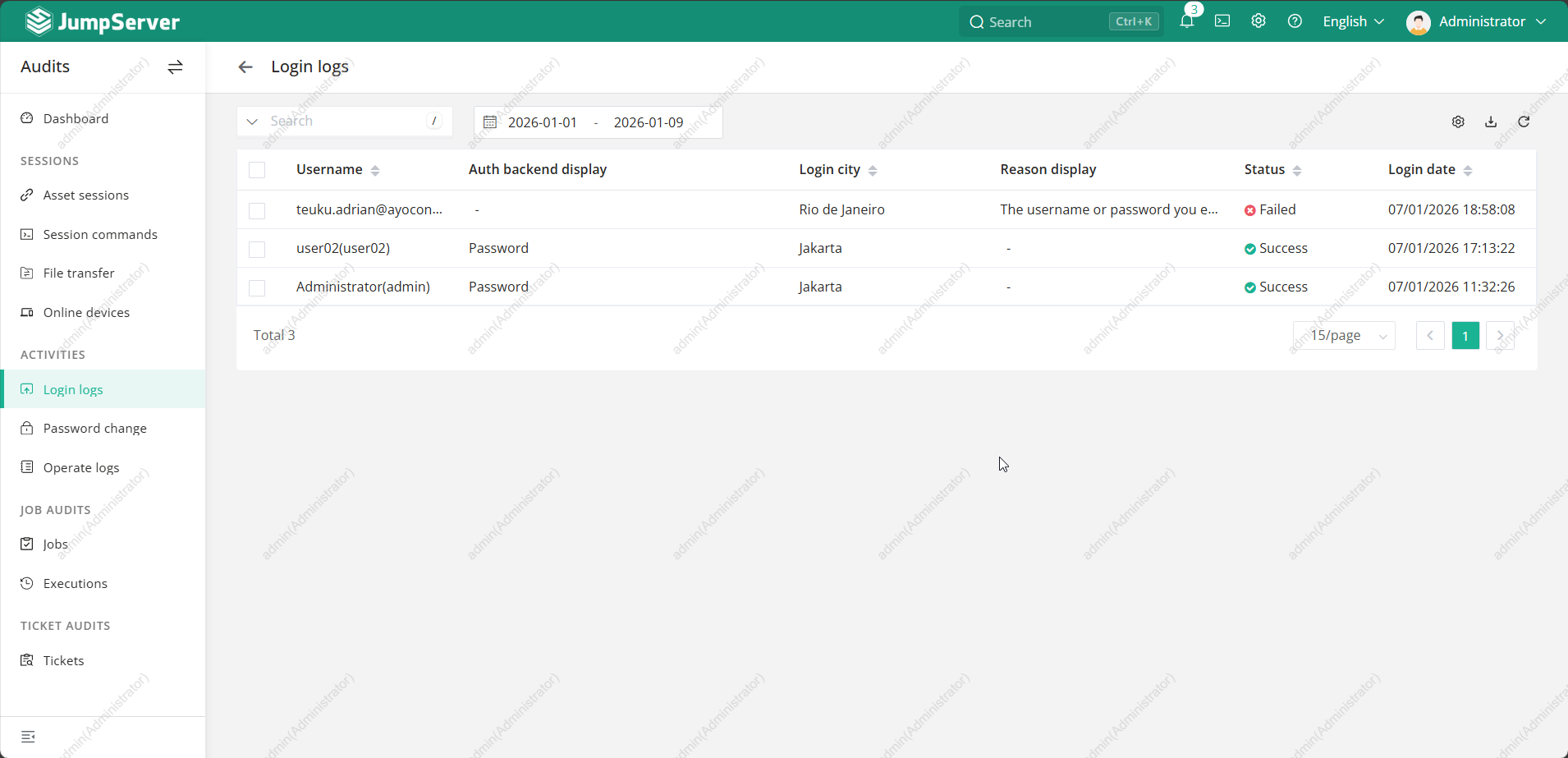
📊 Audit & Monitoring Features
Jumpserver provides:
- Login logs
- Command execution history
- Session duration tracking
- Failed login alerts
🔐 Security Best Practices with Jumpserver
- Enable MFA for all users
- Disable direct SSH access to servers
- Rotate credentials centrally
- Use least privilege access
- Regularly review audit logs
🧾 Summary
Jumpserver is more than just a bastion host — it is a complete access management and auditing platform.
If you already deployed Jumpserver, mastering its daily usage and access control features will significantly improve:
- Infrastructure security
- Operational visibility
- Compliance readiness
➡️ More tutorials are coming—stay tuned!